MATLAB is a programming and numeric computing platform used by millions of engineers and scientists to analyze data, develop algorithms, and create models. In this blog post, we will learn some basic features and capabilities of MATLAB and how to use them for various tasks.
What is MATLAB?
MATLAB stands for MATrix LABoratory. It is a high-level language that expresses matrix and array mathematics directly. It also has a desktop environment tuned for iterative analysis and design processes with a programming language that includes the Live Editor for creating scripts that combine code, output, and formatted text in an executable notebook.
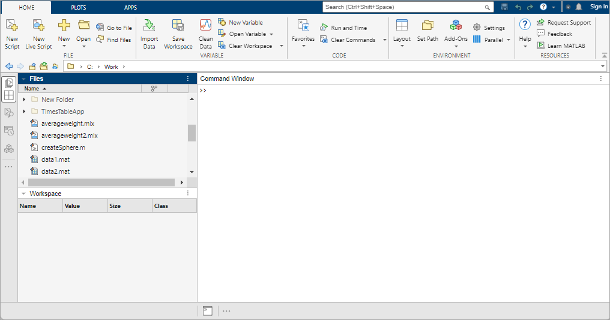
MATLAB has many built-in functions and toolboxes for different domains, such as math, graphics, programming, app building, parallel computing, web and desktop deployment, etc. You can also create your own functions, classes, or apps using MATLAB. MATLAB can also interact with other languages, such as Python, C/C++, Fortran, Java, and others.
How to use MATLAB?
To use MATLAB, you need to have a license that allows you to access it online or install it on your computer. You can check your eligibility for MATLAB Online here. If you have MATLAB installed on your computer, you can launch it by clicking on the MATLAB icon or typing matlab in the command prompt.
When you launch MATLAB, you will see a window with several panels. The main panel is the Command Window, where you can type commands and see the results. You can also use the Command History panel to view or reuse previous commands. The Workspace panel shows the variables that you have created or imported in your current session. The Current Folder panel shows the files and folders in your current working directory. You can also use the Editor panel to create or edit scripts or functions.
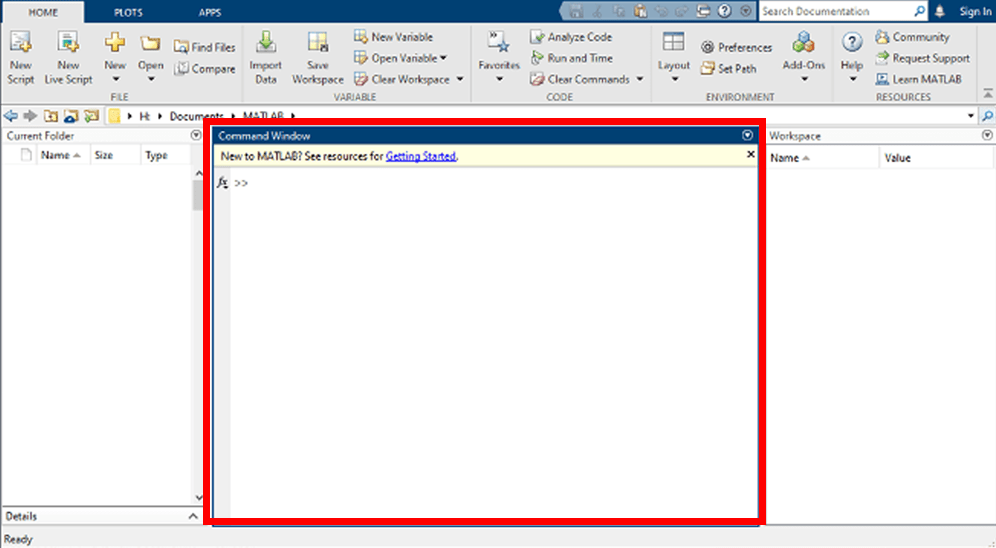
To get started with MATLAB, you can try some simple commands in the Command Window. For example:
- To create a variable
xwith the value 5, typex = 5and press Enter. - To perform arithmetic operations on
x, typex + 2,x - 3,x * 4, orx / 5and press Enter. - To create a vector
vwith the values 1, 2, 3, 4, and 5, typev = [1 2 3 4 5]and press Enter. - To create a matrix
Awith two rows and three columns, typeA = [1 2 3; 4 5 6]and press Enter. - To perform matrix operations on
A, typeA',A + A,A - A,A * A, orA / Aand press Enter. - To plot a sine wave using the vector
v, typeplot(v, sin(v))and press Enter.
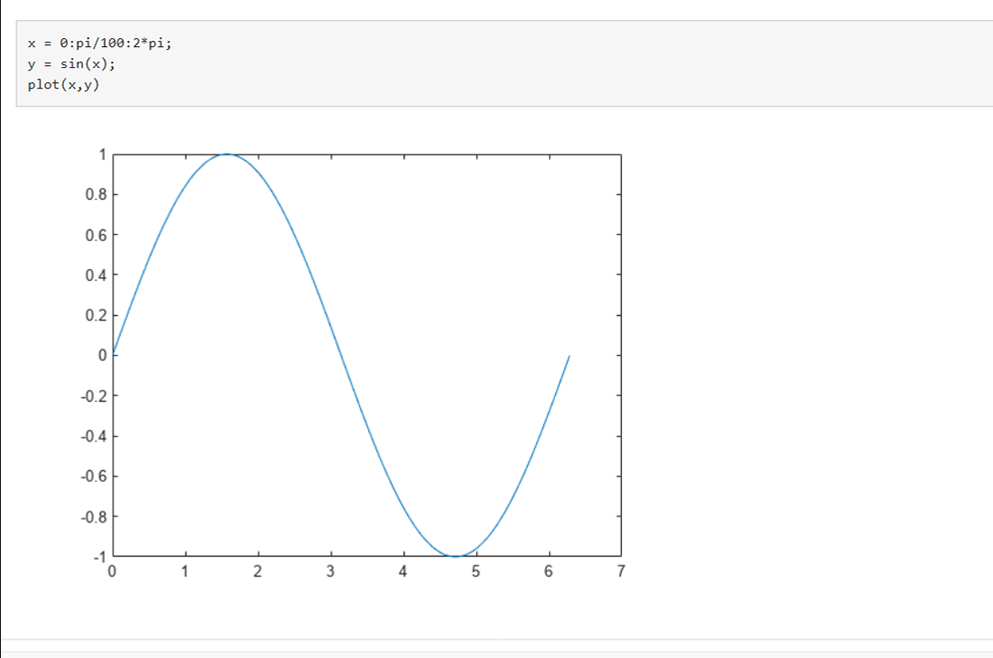
You can also use the Help menu or the help command to get more information about any function or topic in MATLAB. For example:
- To get help on the
plotfunction, typehelp plotordoc plotand press Enter. - To get help on the topic of matrices, type
help matricesordoc matricesand press Enter.
What can you do with MATLAB?
MATLAB is a versatile platform that can be used for various purposes. Here are some examples of what you can do with MATLAB:
- Data Analysis: You can use MATLAB to explore, model, and analyze data from various sources, such as files, databases, web services, etc. You can also use MATLAB to perform statistical tests, machine learning, deep learning, optimization, etc. [A machine learning example in MATLAB]
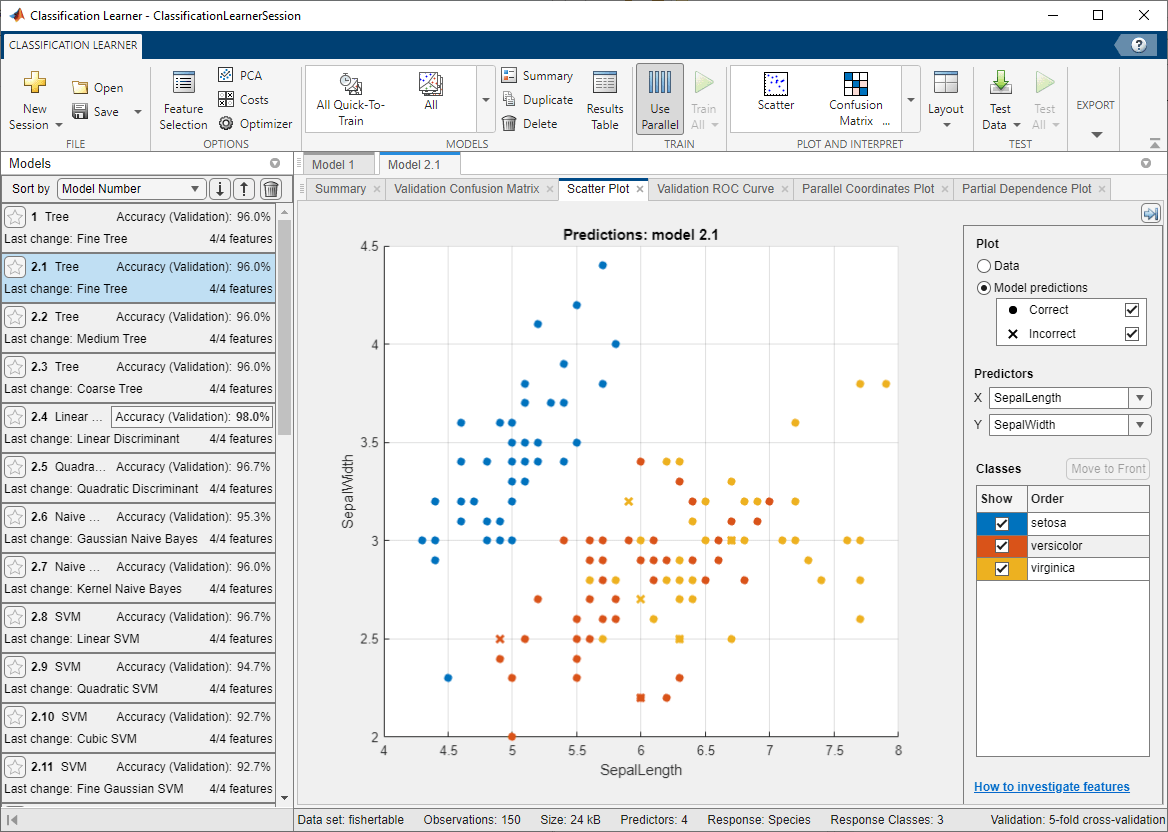
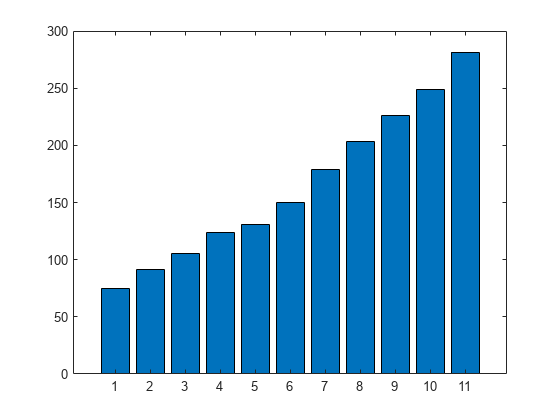
- Graphics: You can use MATLAB to visualize and explore data using various types of plots, such as line plots, bar plots, pie charts, histograms, scatter plots, etc. You can also customize your plots by adding titles, labels, legends, colors, etc. [A bar plot example in MATLAB]
- Programming: You can use MATLAB to create scripts, functions, and classes that implement your algorithms or logic. You can also use MATLAB to debug your code using breakpoints, watch expressions, step commands, etc.
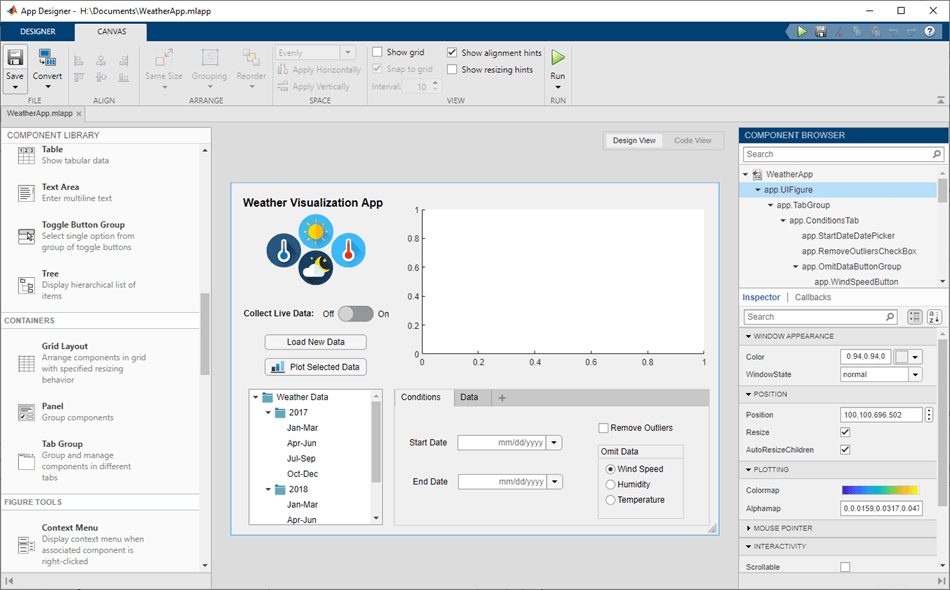
- App Building: You can use MATLAB to create desktop and web apps that interact with your users using graphical user interfaces (GUIs). You can also use MATLAB apps to see how different algorithms work with your data. [App Designer development environment in MATLAB]
- External Language Interfaces: You can use MATLAB to call functions from other languages such as Python, C/C++, Fortran, Java, and others. You can also use these languages to call MATLAB functions or scripts.
- Hardware: You can use MATLAB to connect to and control hardware devices such as sensors, cameras, Arduino boards, Raspberry Pi, etc. You can also use MATLAB to acquire and process data from these devices.
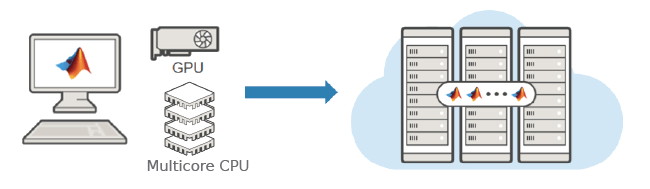
- Parallel Computing: You can use MATLAB to perform large-scale computations and parallelize simulations using multicore desktops, GPUs, clusters, and clouds. You can also use MATLAB to distribute your code or apps to multiple machines or devices. [Parallel computing graphics]
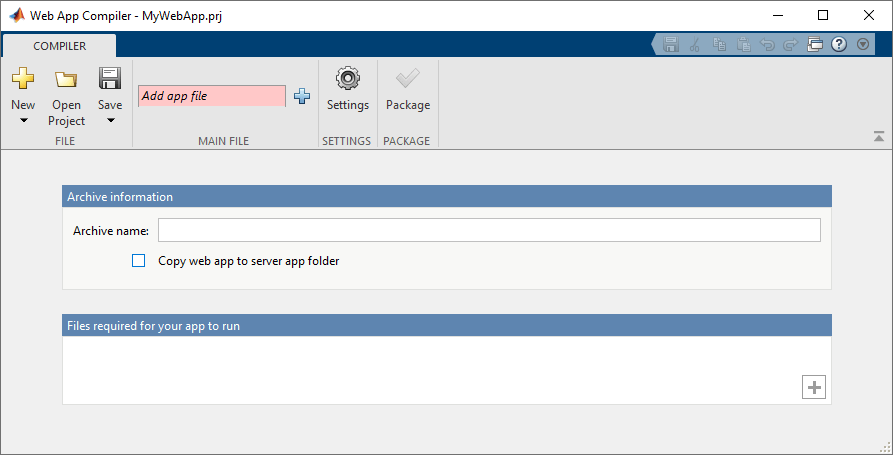
- Web and Desktop Deployment: You can use MATLAB to share your code or apps with others who do not have MATLAB. You can also use MATLAB to deploy your code or apps to enterprise applications, embedded devices, or web servers. [A web deployment example in MATLAB]
Conclusion
In this blog post, we have learned some basic features and capabilities of MATLAB and how to use them for various tasks. MATLAB is a powerful and flexible platform that can help you with your academic or professional projects. If you want to learn more about MATLAB, you can visit the official website or the documentation. You can also find many online courses, tutorials, books, and videos on MATLAB. Happy learning! 😊

